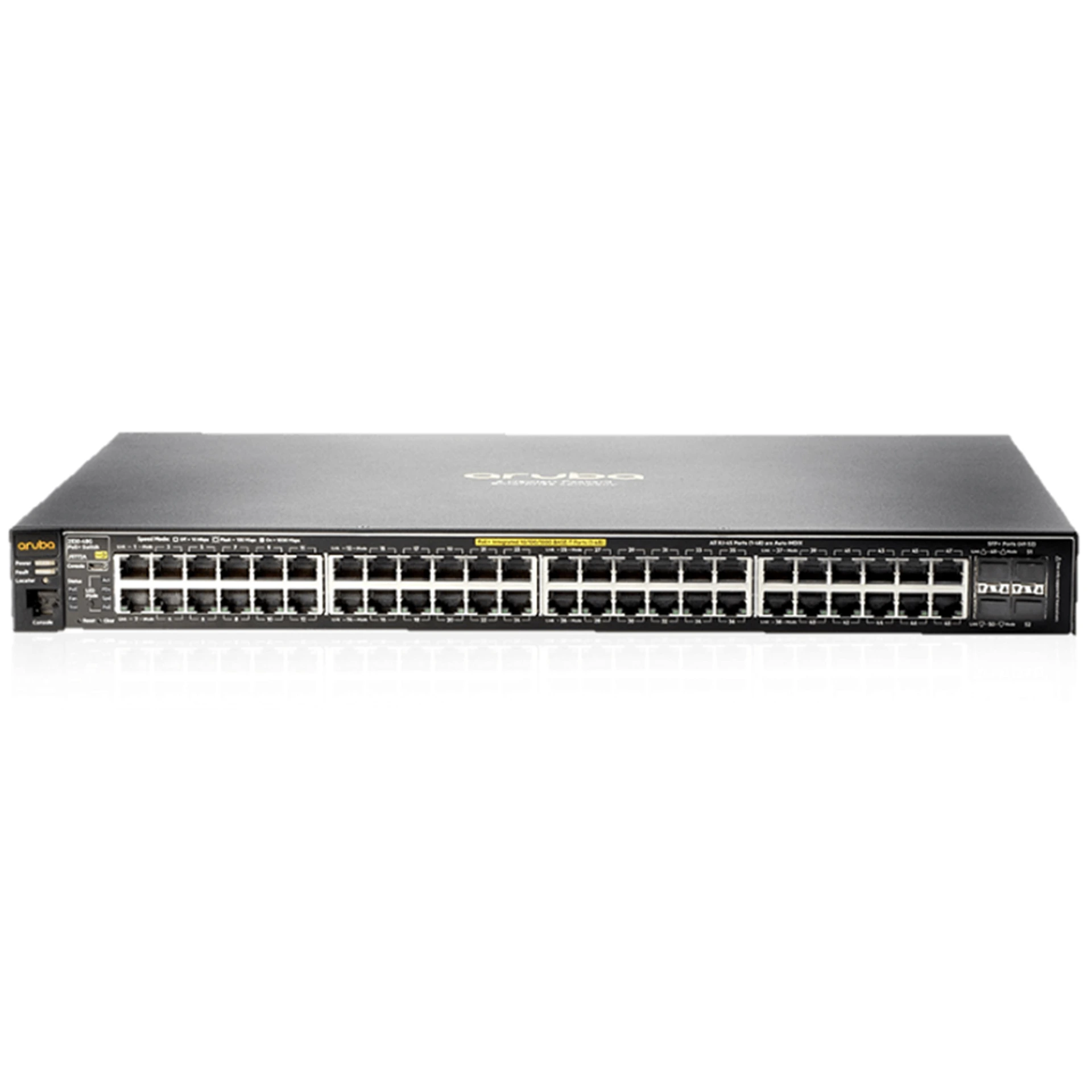
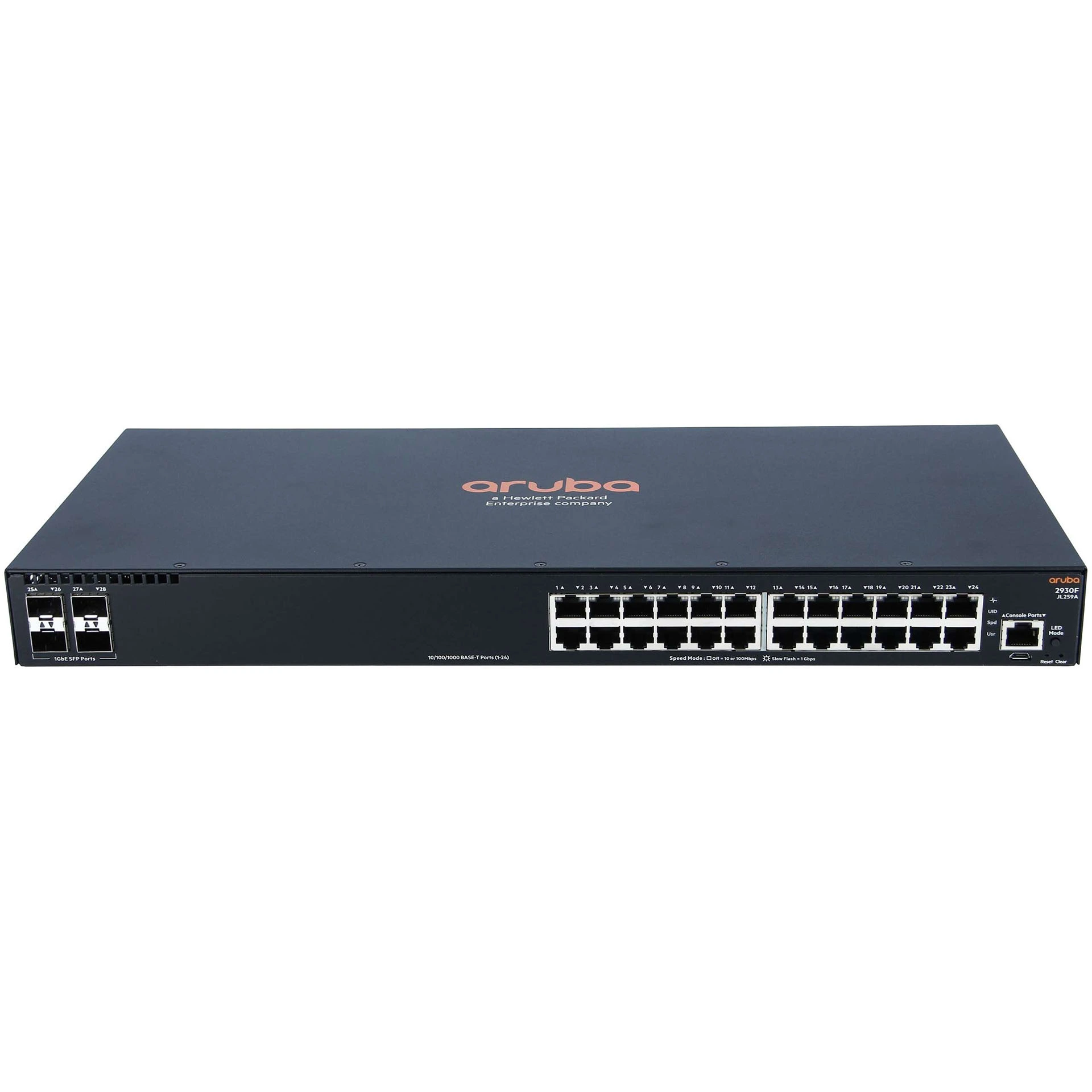
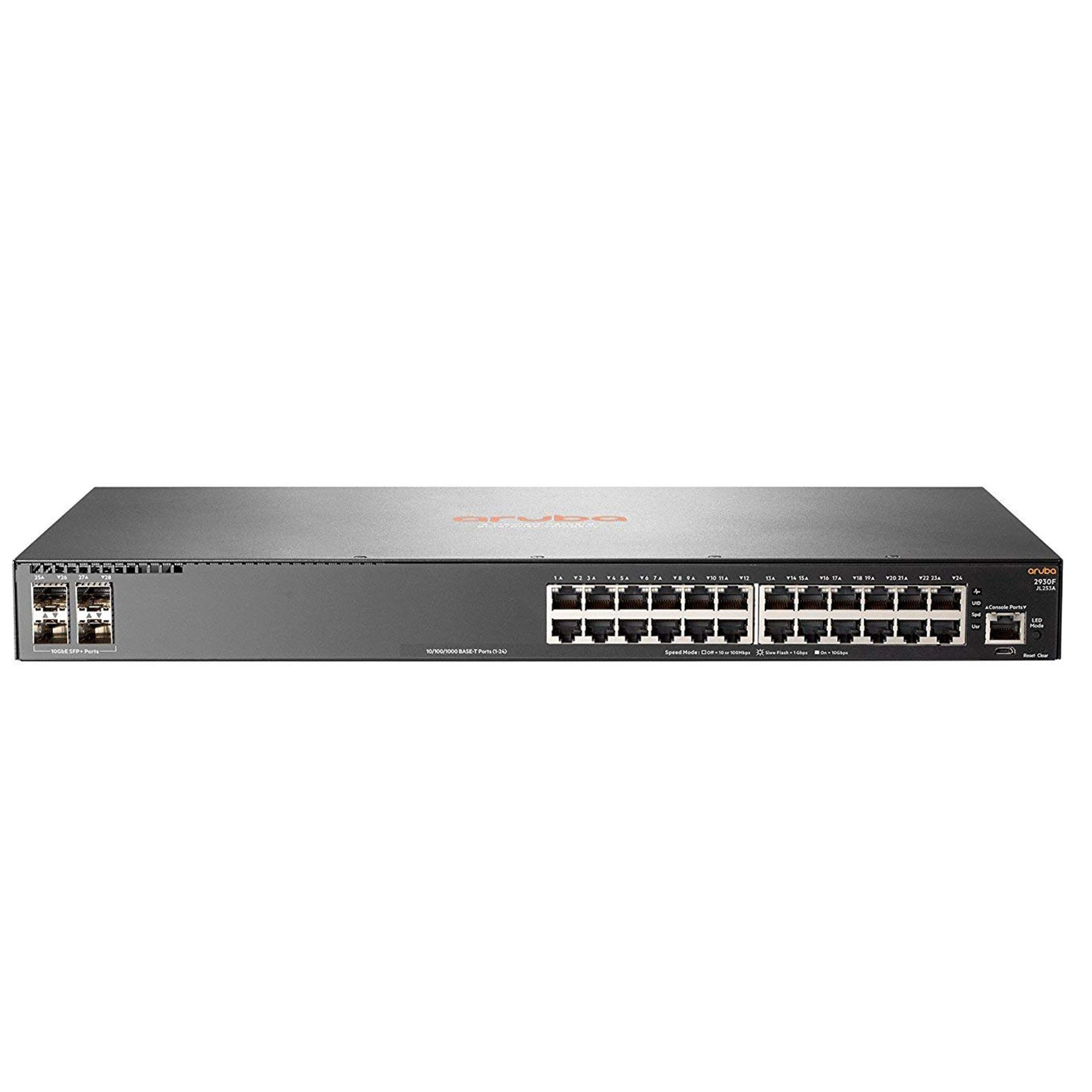
Hardware specifications
Interfaces
8 x 1000Mbps Combo Ports
1 x Console Port
4 x 10Gbps SFP+
Ports 16 x 1000Mbps SFP Ports
Performance
CPU: MIPS 800 MHz
Memory and RAM: DRAM 512 MB, flash memory 32 MB
Switch Properties
Standards and Protocols: IEEE802.3, IEEE802.3u, IEEE802.3ab, IEEE802.3z, IEEE802.3x, IEEE802.1x, IEEE802.1q, IEEE802.1d, IEEE802.1w, IEEE802.3ad
Forwarding Mode: Store and Forward
Throughput: 128 Gbps
Packet Service Rate: 96 Mbps
MAC Address Table: 16K
Buffer Size: 12 MB
Jumbo Frame 12 KB
Nutrition
100-240V AC 50/60Hz
Consumption: 16.8W
Physical characteristics
Number of fans: 2
Dimensions: 440 x 260 x 44 mm
Weight: net: 3.7 kg; gross: 4.38 kg
Dimensions: 440 x 260 x 44 mm
Installation: rack-mounted
External influence
Resistance to voltage surges:
• standard mode ± 4 kV
• differential mode 2.2 kV
Protection against electrostatic interference (ESD protection):
• contact discharge ± 6 kV
• air venting ± 8 kV
Temperature and humidity
Operating Temperature: -10~50 °C
Operating Humidity: 10~90% RH non-condensing
Storage Temperature: -40~70 °C
Storage Humidity: 5~90% RH non-condensing
Certificates
CE, FCC, RoHS, UKCA, RCM
Software Features
System configuration
Device Information
IP address configuration:
• static IP address
• dynamic IP address
Web Configuration
Web Timeout
HTTP
HTTPS
Security IP
ACL
User Management
User Management
Authentication Method
Firmware Upgrade:
• TFTP Service
• FTP Service
• HTTP Upgrade
• IPV4 ACL / IPV6 ACL
• TFTP
• HTTP
• NTP
• User Priority
Device Management
Rebooting the device
Viewing the system configuration
Logging Buffer
Logging Flash
Monitor Management
SSH Config
Telnet Config
Port Statistics
DDMI Status
Ping
Traceroute
Cable Diagnostics
SNMP Configuration
Global Config
User Config
Group Config
Community Config
View Config
Security IP Config
SMNP Statistics
Onvif Configuration
Server Config
Detect Config
Loopback Detection
Port Mode
VLAN Loopback
MQTT Configuration
Enable
Disable
Discovery Configure
LLDP Configuration
Global Config
Port Config
TLV Config
Neighbor Info
Switch Configuration
Port Config:
• Port Config
• Port 10G Mode
Port Mirror
Port Isolate
Port Channel:
• Jumbo Frame
• Port Rate
• Storm Control
MAC Address Config:
• Static MAC
• Black Hole MAC
• Aging-time
• MAC Address List
VLAN Configuration
VLAN Config:
• VLAN ID
• Show VLAN
• Port Config
GVRP Config:
• GVRP Config
• GVRP Port
QINQ:
• Enable Dot1q Tunnel
• Dot1g Tunnel TPID
DHCP Configuration
DHCP Server:
• Global Config
• Create Address Pool
• Dynamic Pool
• Default Gateway
• DNS Server
• Excluded Address
• Packet Address
• Client List
DHCP Snooping:
• Global Config
• VLAN Config
• Static User Binding
• Helper-server Config
• Port Binging
• Trust Port
Related products
Copyright © 2026 Cyber Legend | All Rights Reserved.